Couchdrop logs every event on the platform and makes those logs searchable, exportable, and streamable to other security tools.
What gets logged
Every event generates a log entry that includes a timestamp, event type, event message, associated user, and system involved.
Events can be filtered by category, such as:
-
Filesystem — Filesystem events like listings, deletes, moves, and renames
-
Authentication — Events related to successful and failed authentication like logins and logouts.
-
Admin actions — Admin events such as creating users, connecting and testing integrations and workflows
-
Transfers — Information on failed and successful file uploads and downloads
Search and filter audit logs
You can filter logs by selecting categories and perform advanced searches using AND/OR logic.
Variables with an accompanying description are listed when clicking the search bar for quick and simple queries with no technical skills required. The search API supports the same filter parameters, so you can query audit data programmatically using the /api/v1/auditlog endpoint.
Filtered results can also be exported and downloaded as a CSV file. Export filtered results to CSV for offline analysis or to hand to an auditor. When exporting via CSV, events in the currently active view, including filters, will be downloaded.
Stream events to your SIEM
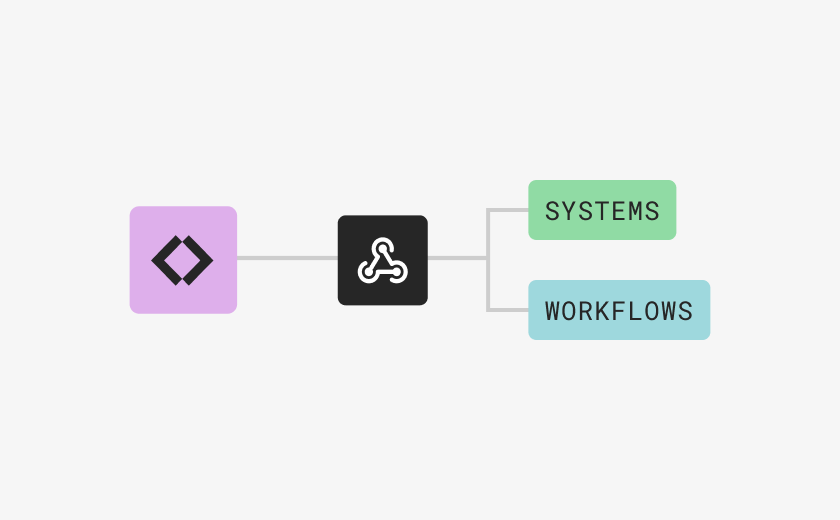
Couchdrop supports integrating with SIEM platforms to send JSON events to your logging provider. This includes native integrations with several systems such as Splunk, Datadog, and Microsoft Sentinel, as well as the option to send events as JSON to logging systems via a webhook.
Note that events are sent to SIEM only after the connection is established and historical events are not backfilled.
Alerts and notifications
Couchdrop allows you to send notifications via email when a specified event occurs. Alerts and notifications can be configured globally, or on an individual folder or system. Email alerts can be sent to any email address and a Couchdrop account is not required.
You can also post to a webhook endpoint. Some events are built in and can be enabled in the admin panel, and you can set up more dynamic and advanced webhooks using File Actions.